Vision Pro and AI Workspaces: The End of Screens in Daily Work
Szymon Wnuk
May 6, 2026

1. What is Vision Pro and AI Workspaces?
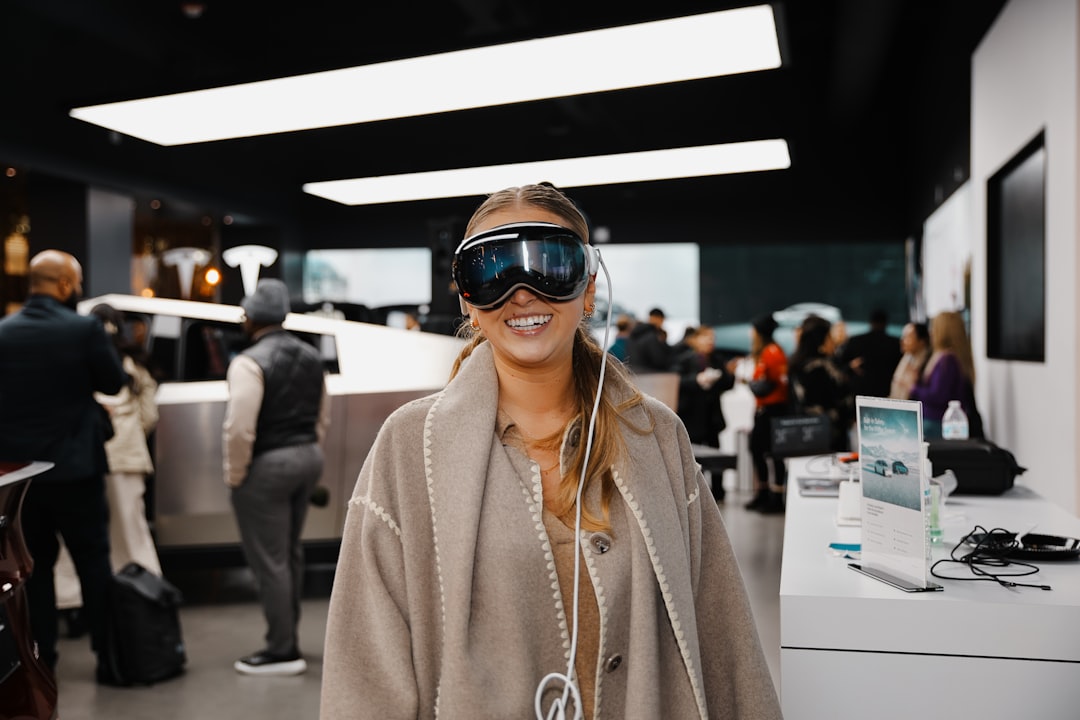
Vision Pro is an innovative mixed reality device designed to merge the digital and physical worlds seamlessly. Paired with AI Workspaces, it transforms traditional work setups by replacing physical screens with virtual, dynamic environments that adapt to users' needs, enhancing productivity and collaboration.
2. Advantages of Replacing Screens with Vision Pro and AI
Eliminating physical screens means gaining unlimited workspace without clutter. Vision Pro's immersive displays provide flexibility to organize multiple applications effortlessly. AI Workspaces add intelligent assistance, automating routine tasks and personalizing workflows, which leads to increased focus, less distraction, and better efficiency during work hours.
3. How to Start Using Vision Pro in Daily Work
Begin by integrating Vision Pro within your existing software ecosystem, setting up AI Workspaces that tailor to your industry needs. Familiarize yourself with gesture controls and voice commands to maximize interaction without traditional hardware. Starting small, such as virtual meetings or task management, can ease the transition into a fully screenless workflow.
4. Practical Uses of Vision Pro and AI Workspaces
From design and engineering to remote collaboration, these technologies offer practical solutions like 3D modeling without physical monitors, real-time AI-driven insights during meetings, or immersive training experiences. They redefine boundaries by creating adaptable virtual offices accessible from anywhere, making remote work more interactive and engaging.
5. Common Challenges and How to Overcome Them
Adopting Vision Pro and AI Workspaces involves overcoming initial adaptation hurdles, such as motion discomfort or learning new interaction methods. Ensuring proper calibration, taking breaks, and gradual exposure can mitigate these effects. Moreover, addressing privacy and security concerns with encrypted AI platforms ensures safe data handling in immersive environments.
6. Best Practices for Maximizing Vision Pro and AI Workspaces
Optimize your setup by customizing AI Workspace layouts to match daily tasks, setting clear boundaries between work and rest zones in virtual environments, and regularly updating software to benefit from the latest advancements. Training sessions and community engagement can also accelerate proficiency and inspire creative usages.
7. Conclusion: The Future Beyond Screens
Vision Pro combined with AI Workspaces marks the dawn of a screenless future in daily work. By blending immersion with intelligence, this technology promises not just to replace screens but to fundamentally redefine productivity and collaboration. Embracing this shift early positions businesses and professionals at the forefront of innovation and efficiency.
FAQ
Is Vision Pro compatible with existing work software?
Yes, Vision Pro supports integration with many existing platforms and applications, allowing a smooth transition.
Does using AI Workspaces require advanced technical skills?
Not necessarily; AI Workspaces are designed to be user-friendly, with intuitive controls and customizable settings.
You might also like
Vision Pro + AI for Field Workers: Unlocking Real-Time Guidance Systems Today
Discover how Vision Pro combined with AI is transforming the field workforce by delivering real-time guidance systems that improve efficiency, accuracy, and safety in demanding environments.

Vision Pro and AI in Retail: Transforming Personalized Shopping Experiences
Discover how Vision Pro and AI technologies are revolutionizing retail by creating highly personalized shopping experiences that increase customer satisfaction and boost sales.

Vision Pro Assistants: The Rise of Spatial AI Companions Transforming Interaction
Discover how Vision Pro Assistants are revolutionizing user experiences through advanced spatial AI companions that blend seamlessly into our environments, offering enhanced assistance and interaction.
Leave your email address and we will send you a free guide: 5 reasons why your website isn't selling.