
Vision Pro Interfaces: Why Flat UI No Longer Works in Modern AR Experiences
Szymon Wnuk
2 lut 2026
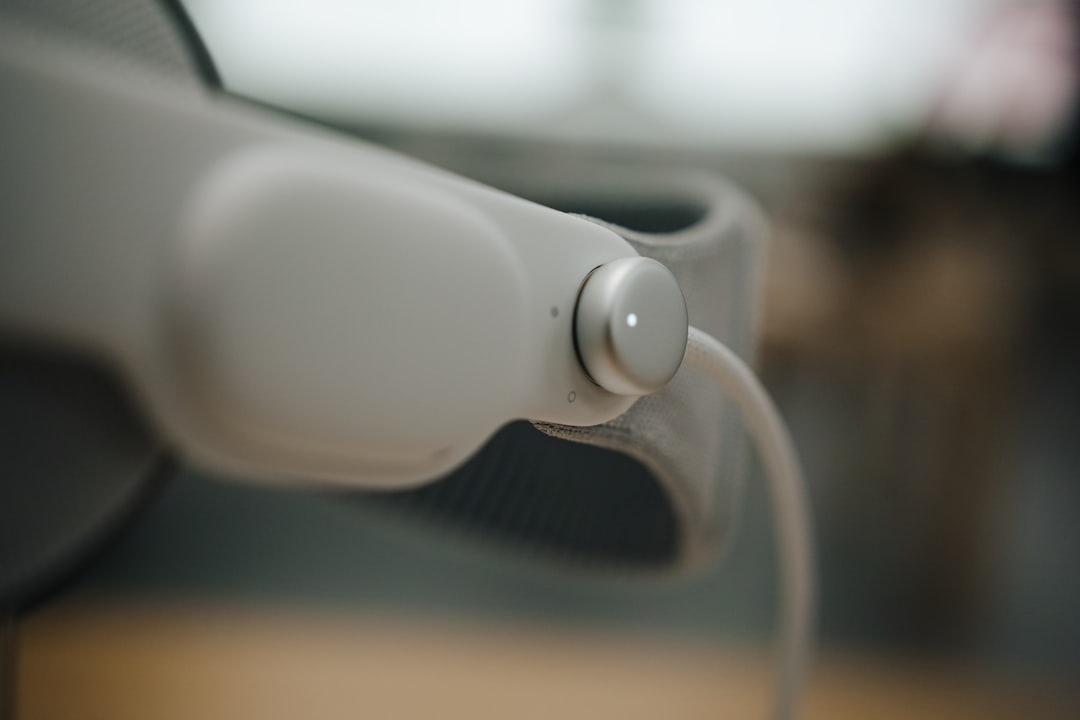
1. What is Vision Pro and Its Interface Challenges?
Apple's Vision Pro represents a new frontier in augmented reality (AR), blending digital content seamlessly with the physical world. Unlike traditional screens, Vision Pro interfaces operate within a 3D spatial environment, demanding fundamentally different design approaches to ensure intuitive and engaging user interactions.
2. Limitations of Flat UI in Vision Pro
Flat UI, characterized by two-dimensional, minimalist design, works well on conventional displays but struggles in immersive AR contexts. In Vision Pro, flat elements appear disconnected from the real world, lacking depth and spatial cues that users depend on to interact naturally. This dissonance can cause confusion and reduce usability.
3. The Rise of Spatial and Skeuomorphic Design
To address these challenges, designers are shifting toward spatial UI elements that incorporate depth, shadows, and layering to mimic physical objects. Skeuomorphic design, which models digital interfaces to resemble real-world counterparts, helps users intuitively understand interactive elements in Vision Pro, facilitating smoother adoption.
4. Practical Applications of Advanced Interfaces in Vision Pro
Vision Pro’s environment allows for innovative interface designs such as holographic buttons, contextual menus that appear in 3D space, and gesture-responsive controls. These features enable more natural and immersive interactions, enhancing productivity, gaming, and creative workflows.
5. Common Issues When Using Traditional Flat UI
Retaining flat UI in Vision Pro can lead to user fatigue, difficulty in interpreting information hierarchy, and reduced engagement. Flat elements may blend into the background or appear as floating overlays, disconnecting users from the immersive experience the device is meant to provide.
6. Best Practices for Designing Interfaces in Vision Pro
Effective Vision Pro interfaces should utilize depth, motion feedback, and realistic shading to create tactile sensations. Designers should prioritize spatial organization, ensuring interface elements respect physical ergonomics and spatial memory. Additionally, leveraging natural gestures and eye tracking can significantly improve usability.
7. Conclusion: Embracing New UI Paradigms for Vision Pro
The future of interface design for devices like Vision Pro lies beyond flat UI. By embracing spatial and skeuomorphic design principles, developers and designers can create rich, intuitive, and deeply immersive AR experiences. Moving away from flat UI is essential to unlock the full potential of mixed reality environments.
FAQ
Why doesn't flat UI work well in Vision Pro?
Because flat UI lacks depth and spatial context, it feels unnatural and less intuitive in Vision Pro's 3D environment.
What design approaches are better suited for Vision Pro interfaces?
Spatial and skeuomorphic designs that incorporate depth, shadows, and realistic feedback provide more natural interactions in Vision Pro.
You might also like
Vision Pro for Product Teams: Revolutionizing Design by Creating in Space Instead of Screens
Discover how Apple's Vision Pro transforms the way product teams design by shifting from traditional screens to immersive spatial environments, enhancing creativity and collaboration.
Vision Pro in Marketing Campaigns: Unlocking Potential Beyond AR Filters
Discover how Vision Pro is revolutionizing marketing campaigns by going beyond traditional AR filters. Explore innovative strategies to engage audiences with immersive, interactive experiences that elevate brand storytelling.
Vision Pro as a Sales Tool: Turning Demos into Experiences That Close Deals
Discover how Vision Pro transforms traditional sales demos into immersive experiences, enhancing engagement and boosting conversion rates for sales teams.
Zostaw swój adres e-mail, a wyślemy Ci darmowy Poradnik: 5 powodów, przez które Twoja strona nie sprzedaje.